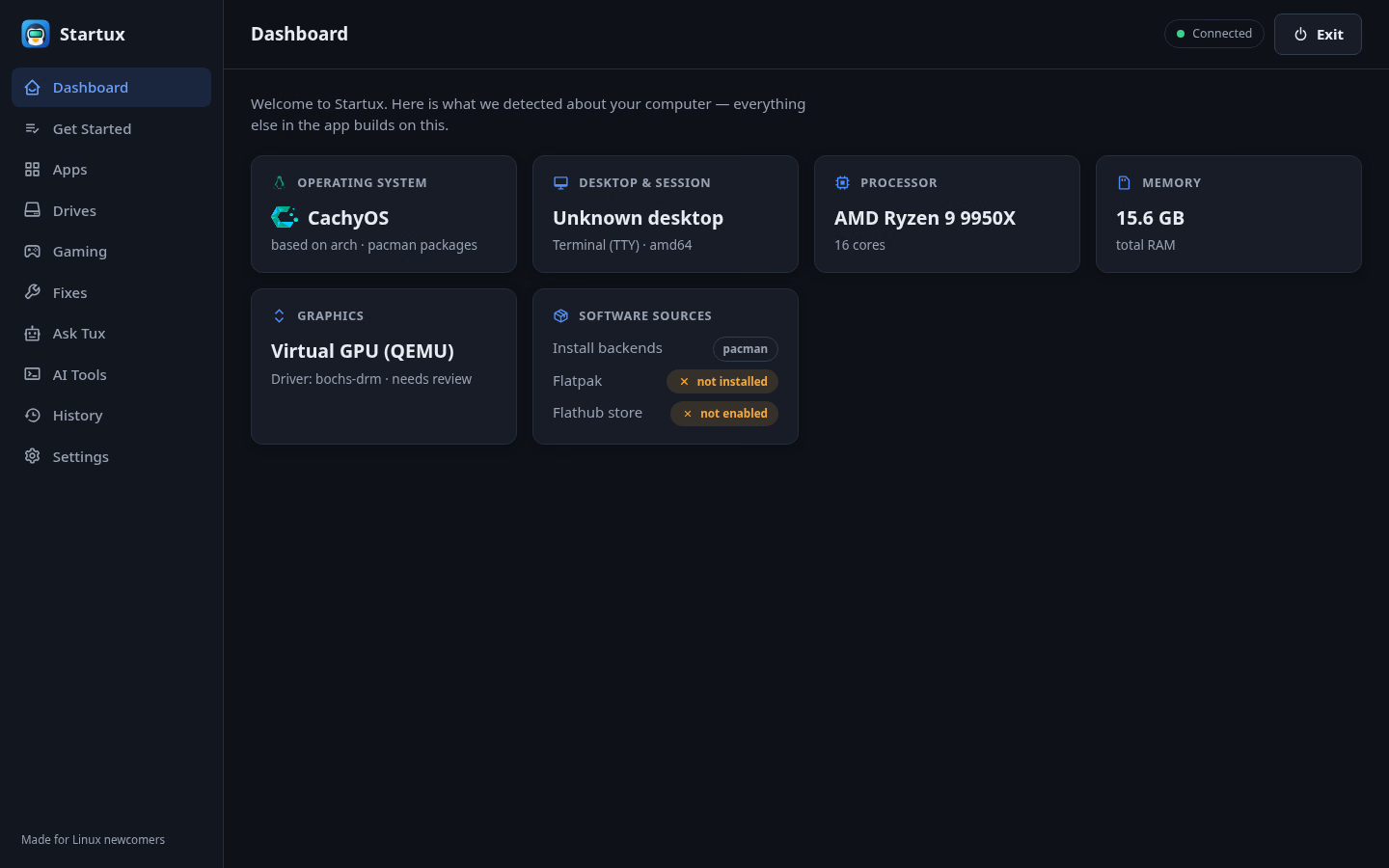
Startux does not replace your distribution. It gives you a clearer
way to use the tools already available on your system.
Apps
A smaller catalog with useful choices
Browse a curated catalog from
Year of the Linux Desktop.
Startux chooses between Flatpak, your native package manager,
Homebrew, and reviewed AppImages according to your system and
preferences. You can see the chosen source before the task runs.
Drives
Make a secondary drive stay mounted
Pick a detected drive, choose a mount preset, and give it a
readable name. Startux uses stable device identity, protects
fstab changes with backups, and can restore those backups after
administrator approval.
Gaming
Prepare the usual gaming stack
Set up Steam, Lutris, Heroic, MangoHud, and GameMode in one
guided run. Each component reports its own result, so a partial
failure never appears as a successful setup.
Graphics
Know what driver is actually active
See each GPU, its active driver, known VRAM, and Vulkan status.
Detected NVIDIA systems get distro-specific guidance with a
proprietary path and a clearly limited open NVK option. NVK can
trail gaming performance, DLSS remains experimental, OpenGL uses
Zink, and it has no CUDA for local AI. Atomic-system drivers are
reported but never changed.
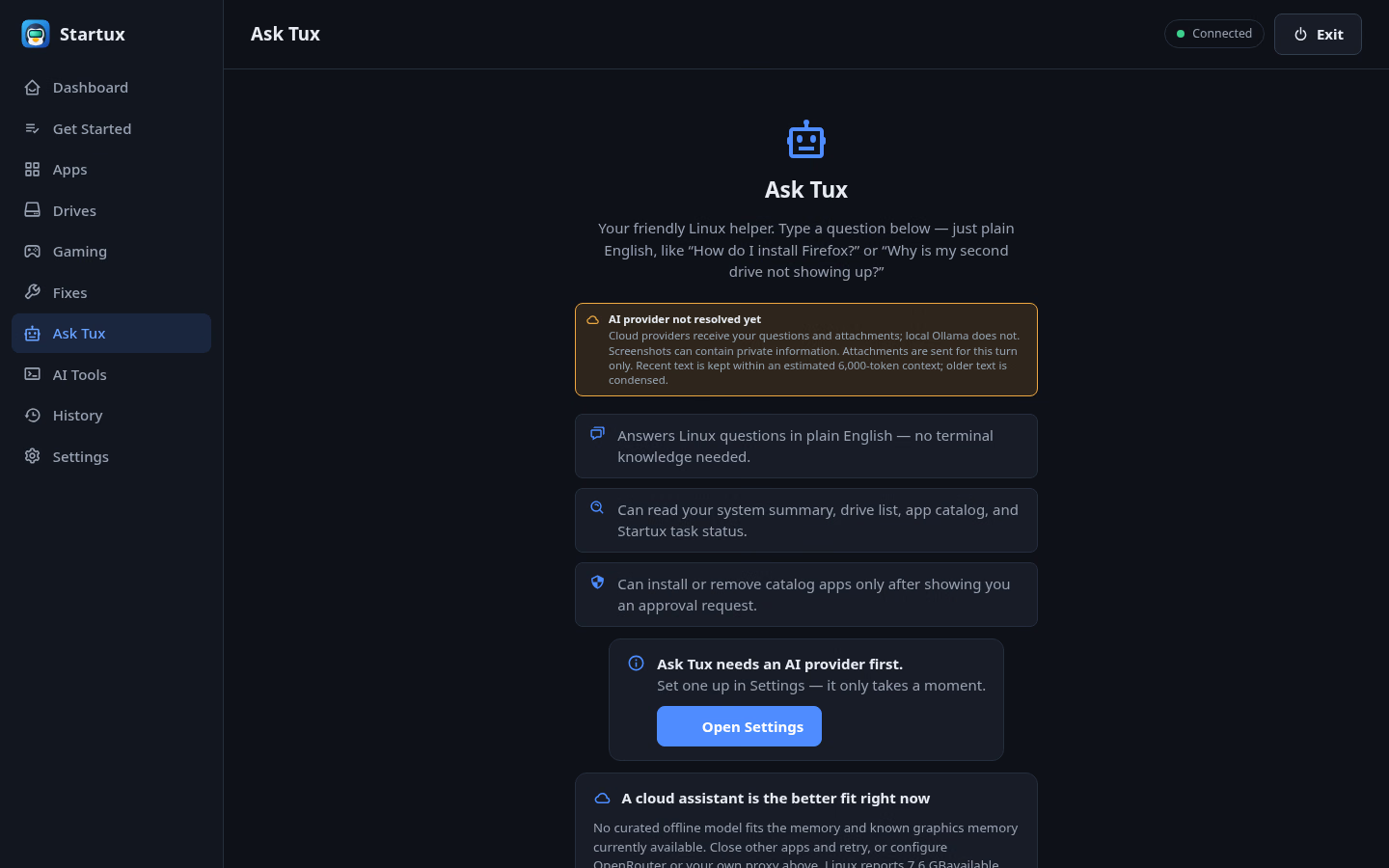
Ask Tux
Explain the problem in your own words
Ask Tux can use a bounded system summary, app catalog, drive
list, and task status. It can suggest and run only its defined
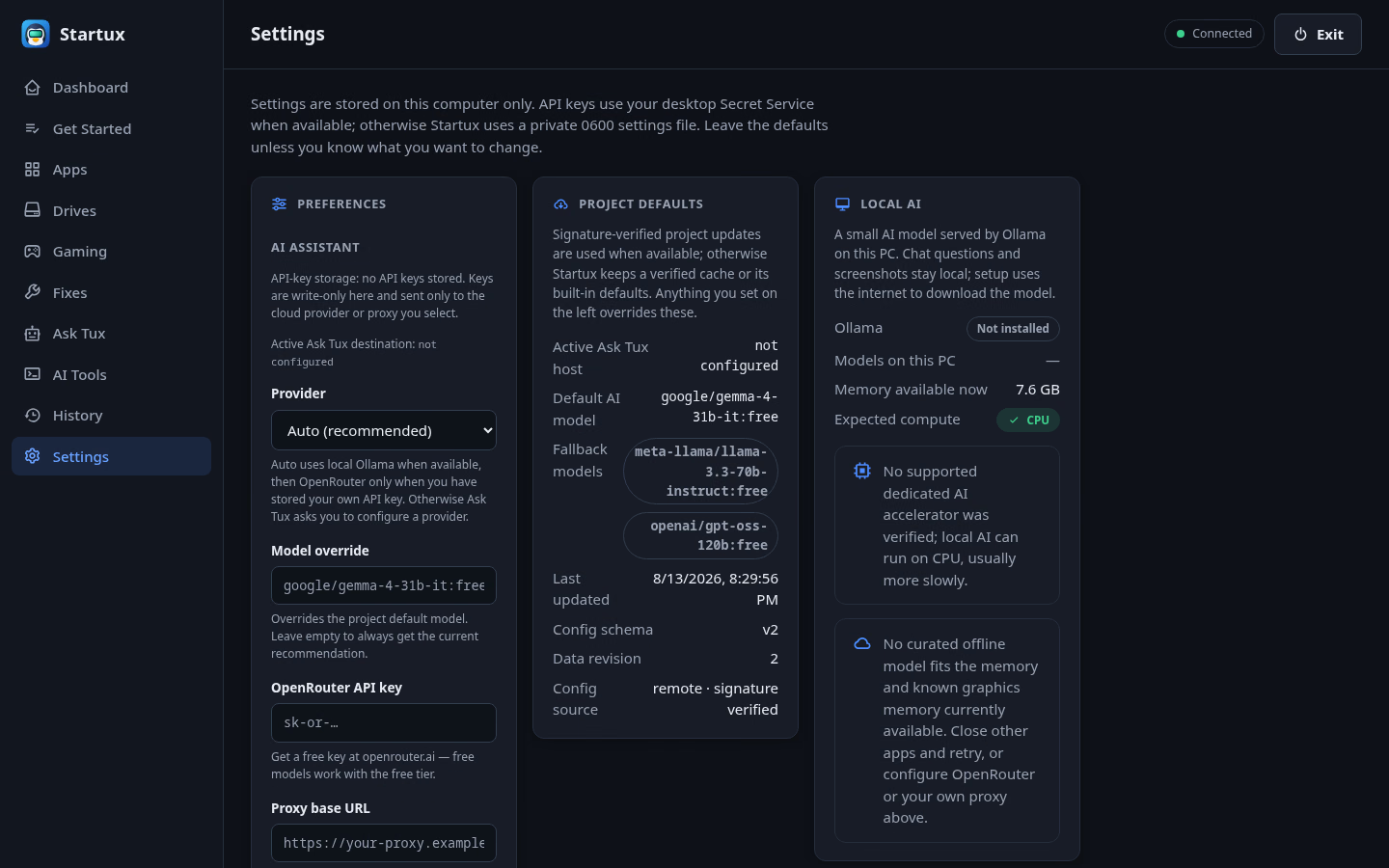
tools, and app changes need your approval. Choose local Ollama,
OpenRouter with your own OpenRouter API key, or a compatible
proxy. Screenshots are attached for one turn only.
Fixes
Focused runbooks, not a mystery repair button
Follow plain-language guides for selected package, Flatpak,
sound, update, and cleanup problems. Each guide explains its
scope, records commands and results, and gives recovery advice
for that operation.
Get Started
A checklist that remembers your progress
Work through updates, software sources, everyday apps, drives,
and gaming at your own pace. Finished items stay checked after
you close the app.